

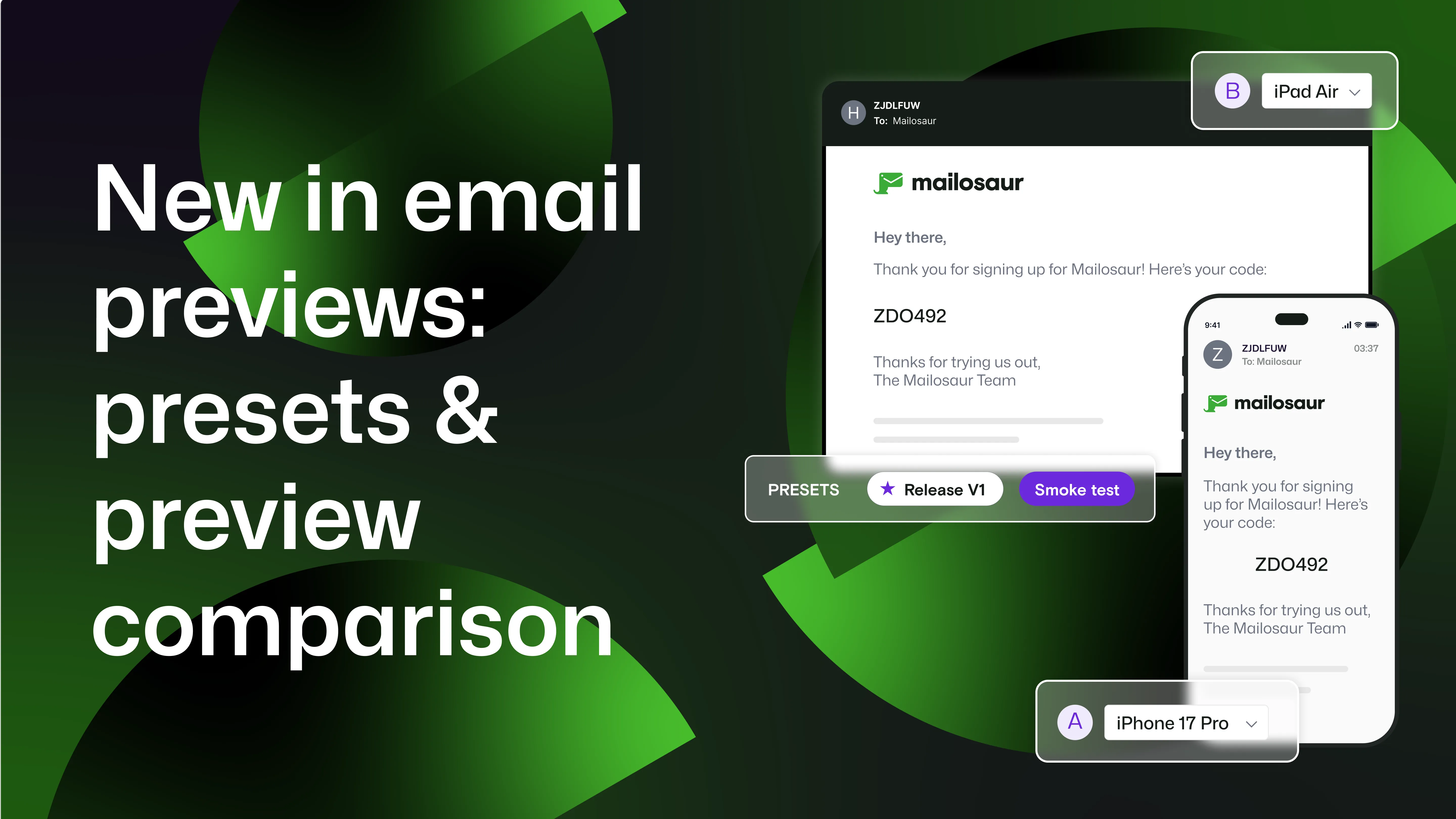
We've introduced two updates to email previews designed to make email testing workflows more efficient.
With these new features, it's easier to run consistent checks, investigate rendering issues, and move through email QA with confidence.
You can now:
Test faster with presets: Save the email clients and devices you test most often, then select them all with one click.
Spot differences with preview comparison: Put any two previews side by side to quickly see how your email renders across clients, devices, and light and dark modes.
What this means for your workflow
| Workflow | Then | Now |
|---|---|---|
| Choose what to test | Re-select the same clients and devices repeatedly | Presets let you save and reuse your usual test configurations |
| Generate previews | Build the selection each time | Default presets automatically select your usual test set |
| Review results | Review previews individually or switch between them | Compare two previews side by side |
| Collaborate | Explain or recreate what you’re seeing | Share a comparison so teammates can see exactly what you’re seeing |
Make every release check easier
Imagine your team has a standard set of email clients they check before every release: Outlook on Windows, Gmail on Android, and Apple Mail on iPhone, across light and dark modes.
The email is ready, the release window is approaching, and the final checks are underway. With presets handling the usual test configuration and preview comparison making it easy to notice differences between clients, your team can stay focused on reviewing results and investigating issues – helping you make more confident decisions.
When an issue is found, everyone can share their findings, align on next steps, and work from the same point of reference without needing to recreate or explain what they're seeing.
About email previews
Presets and preview comparison are part of Mailosaur's wider email previews functionality.
From campaign to transactional emails, email previews let you:
- Catch display differences before your customers do.
- Make sure personalized, interactive, and conditional content looks and behaves as intended.
- Spot rendering issues quickly – like broken images, layout inconsistencies, and formatting problems – without having to sort through code.
Why does this matter? Because a small issue can damage your brand or interrupt a vital customer journey before you even realize there’s a problem.
Key takeaways
So, to summarize:
- Presets help you spend less time setting up repeat email preview tests.
- Preview comparison lets you review rendering differences more easily across clients, devices, and display modes.
- These updates help teams spend less time managing tests and more time delivering consistent customer experiences.
Ready to get started? Visit our documentation to learn how to use presets and preview comparison.